
TL;DR
Start with a shared activity, clear reference photos, and a prompt that identifies each friend separately. Simple scenes make likeness easier to check; stylized portraits offer more creative freedom. Get everyone's permission before uploading photos or sharing the result.
The strongest ai friendship photo generator ideas start with something friends actually share: a favorite café, a running route, or a wonderfully ordinary weekend ritual. A believable image needs more than attractive faces; it needs a scene that feels like the relationship. For creators exploring AI imagery alongside personal branding, Looktara is a relevant starting point for a focused visual brief.
Table of Contents
What makes a good AI friendship photo?
A good AI friendship photo combines recognizable people, a believable shared activity, and a consistent visual style. The prompt should name the number of friends, describe their positions, and specify lighting and framing. Reference photos can guide appearance when the chosen generator supports them, but results still need careful review.
AI friendship photo generator: An AI image tool used to create or transform pictures of friends from written instructions, reference images, or both.
Identity reference: A supplied photo intended to guide a person's appearance in the generated image.
Image-to-image generation: A workflow that uses an existing image to guide a new image rather than starting only from text.
A useful creative test is whether the scene would still feel personal without a dramatic backdrop. Matching mugs, familiar clothing, or a shared hobby often communicates friendship better than an elaborate fantasy setting.
Choose the right starting material
Text-only prompts suit fictional friends and illustrated concepts. For portraits intended to resemble real people, a reference-based workflow is the more relevant option when supported. Editing an existing group photo can also provide a starting composition.
- Fictional scene: Describe characters without uploading personal photos.
- Recognizable friends: Supply consented references and label each person clearly.
- Existing group photo: Keep the original arrangement and request a focused style or setting change.
These are different tasks. A generator that creates an appealing fictional group hasn't necessarily demonstrated reliable likeness preservation.
8 AI friendship photo generator ideas worth trying
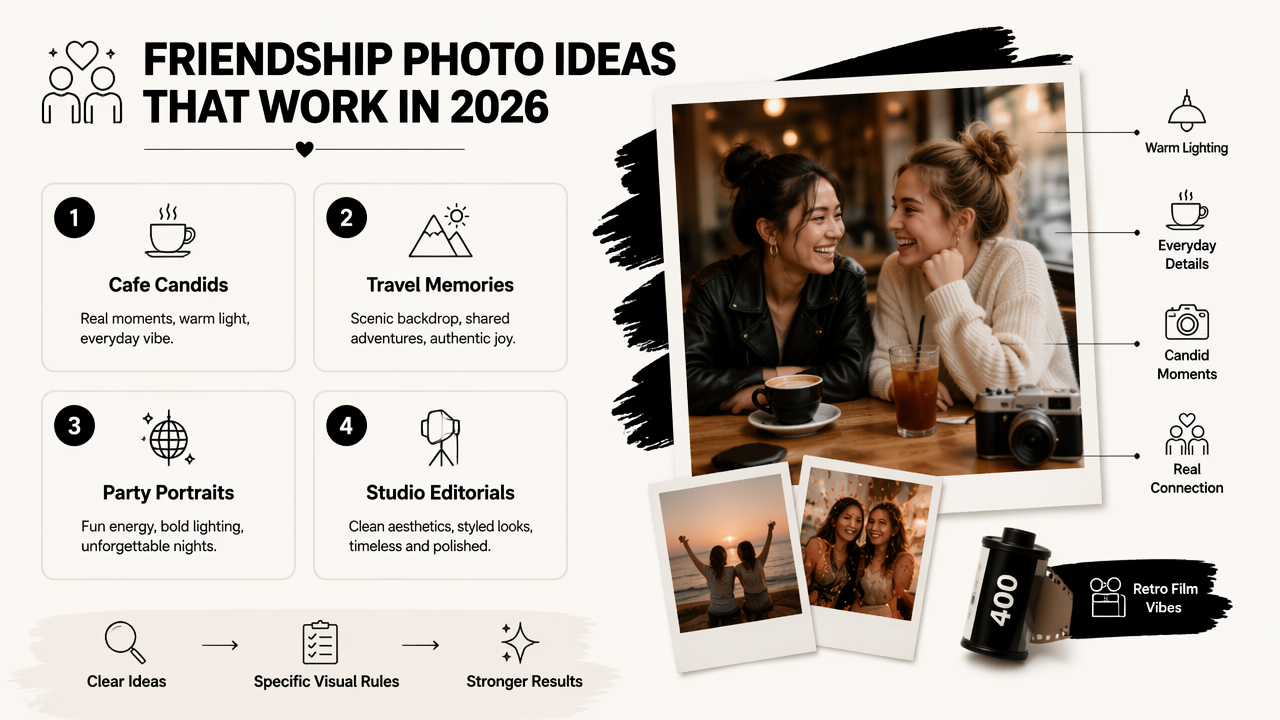
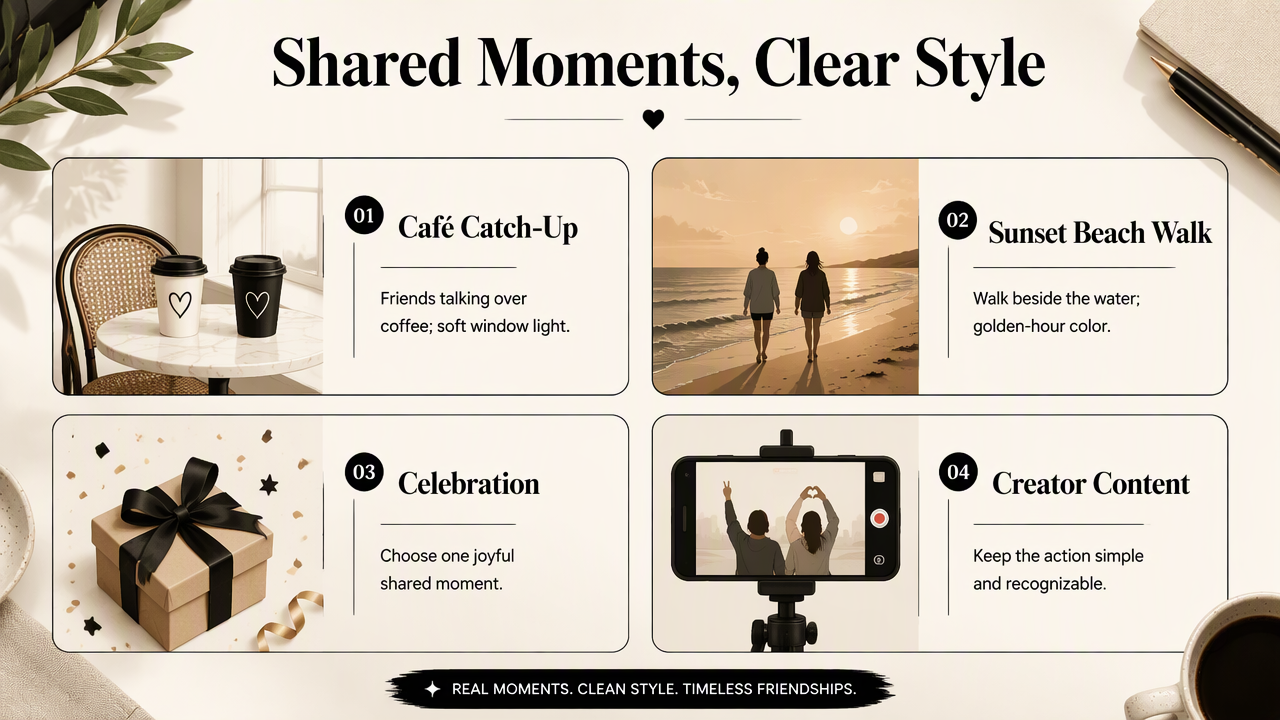
The best friendship portrait ideas pair one shared activity with one clear visual treatment, keeping the brief easy to interpret. The following concepts cover everyday moments, celebrations, travel-inspired scenes, and creator content without relying on complicated poses.
Scene ideas matched to mood and purpose
Each concept starts with a concrete action rather than a vague request for a beautiful friendship picture.
| Idea | Scene and action | Visual direction | Suitable use |
|---|---|---|---|
| Café catch-up | Two friends talking over coffee | Soft window light, warm neutrals | Casual social post |
| Sunset beach walk | Friends walking beside the water | Golden light, relaxed clothing | Friendship gift |
| Road-trip stop | Friends beside a parked car at a viewpoint | Wide frame, natural daylight | Travel-inspired collage |
| Carnival evening | Friends standing near a carousel | Colorful lights, candid expressions | Playful birthday post |
| Shared workout | Training partners resting after exercise | Clean daylight, eye-level framing | Fitness creator content |
| Long-distance reunion | Friends greeting outside a station | Documentary-style composition | Reunion announcement |
| Friendship Day picnic | Small group gathered around a blanket | Open shade, coordinated colors | Celebration card |
| Illustrated memory | Friends in a familiar neighborhood | Watercolor or storybook style | Personalized print |
Four copy-ready best-friend prompts
These examples work as creative briefs; reference-image instructions should be included only when the selected tool supports that workflow.
- Cozy café: Create a photorealistic portrait of exactly two adult friends seated across a small café table. Both faces are visible in a three-quarter view. Soft window light, casual knitwear, coffee cups, relaxed conversation, natural skin texture, eye-level medium shot, no logos or text.
- Beach laughter: Create an image of exactly three adult friends walking along a quiet beach at sunset. Keep each person visually distinct and fully inside the frame. Gentle smiles, light wind, realistic proportions, simple casual outfits, warm colors, no additional people nearby.
- Road-trip memory: Create a candid-style portrait of two adult friends beside a parked car at a scenic overlook. Both are standing safely on the ground, with mountains behind them. Bright overcast light, comfortable travel clothes, medium-wide composition, understated colors, no text.
- Watercolor keepsake: Create a watercolor illustration of four adult friends enjoying a picnic in a leafy park. Preserve the assigned clothing colors and left-to-right order. Warm expressions, simple hand positions, soft paper texture, balanced composition, no lettering.
For fitness partners, the workout concept connects naturally with fitness Instagram imagery. A workout-themed inspiration board also has a relevant follow-up in fitness Pinterest visuals.
A fictional road trip or reunion should be presented as a creative illustration, not evidence that the event happened.
How can friendship prompts preserve each person's likeness?
Friendship prompts preserve likeness more effectively when they separate identity instructions from scene instructions and give each person a clear position.
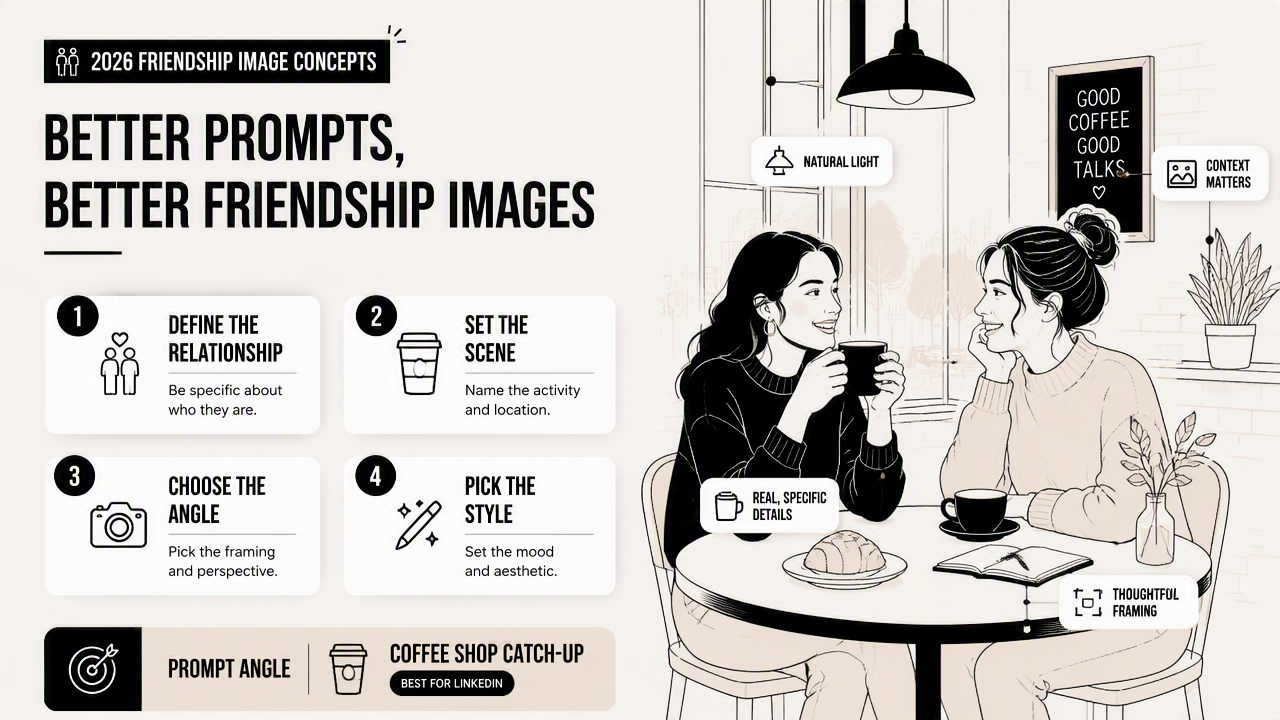
- Get permission from every participant.
- Select clear, recent reference photos.
- Label each friend consistently.
- Specify positions, clothing, and framing.
- Generate a simple scene first.
- Review faces before refining the background.
A reusable group-photo prompt template
A structured template makes revisions easier because identity, composition, and styling remain separate.
Create a [photorealistic / illustrated] image of exactly [number] adult friends using the supplied, consented references. Person A stands on the left wearing [outfit]; Person B stands on the right wearing [outfit]. Preserve their distinct facial features. Scene: [shared activity and location]. Lighting: [description]. Framing: [crop]. Keep every face visible, with natural expressions and simple poses. No additional people, logos, or text.
Where a tool provides reference controls, assign each image to the appropriate person. Otherwise, clearly labeled uploads can communicate intent, although a written instruction alone doesn't guarantee identity consistency.
Start with two friends against an uncluttered background. Add props or extra participants only after the basic portrait looks right.
Review identity and consent before publishing
The finished image needs approval from the people depicted, not just the person who generated it. Check face shape, skin tone, hair, visible accessories, hands, and the number of people. Request a focused correction rather than changing the whole scene at once.
Ahmed and colleagues' 2023 review examines deep-learning progress, applications, advantages, and challenges. It provides broad technical background, not a benchmark proving that any friendship generator preserves faces accurately.
Before uploading, review the service's storage, deletion, and training-use terms. Liu and colleagues' 2021 survey, When Machine Learning Meets Privacy, addresses machine learning and privacy generally; it isn't an assessment of a particular photo service.
For public posts, an AI-created label helps distinguish an imagined scene from a documentary photograph.
Looktara and a practical friendship-content brief
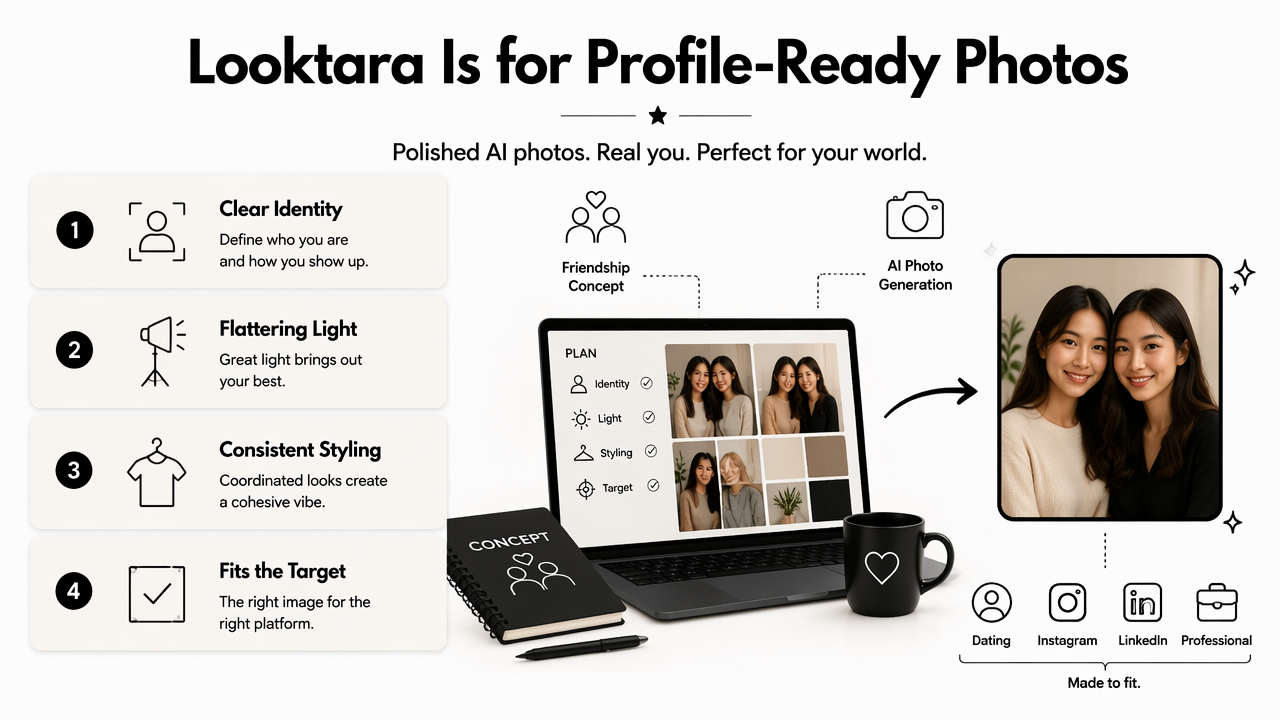
Looktara belongs in a focused visual-content brief that connects friendship imagery with a creator's broader presentation. The useful starting point is the intended output: a personal keepsake, a shared social post, or coordinated professional content.
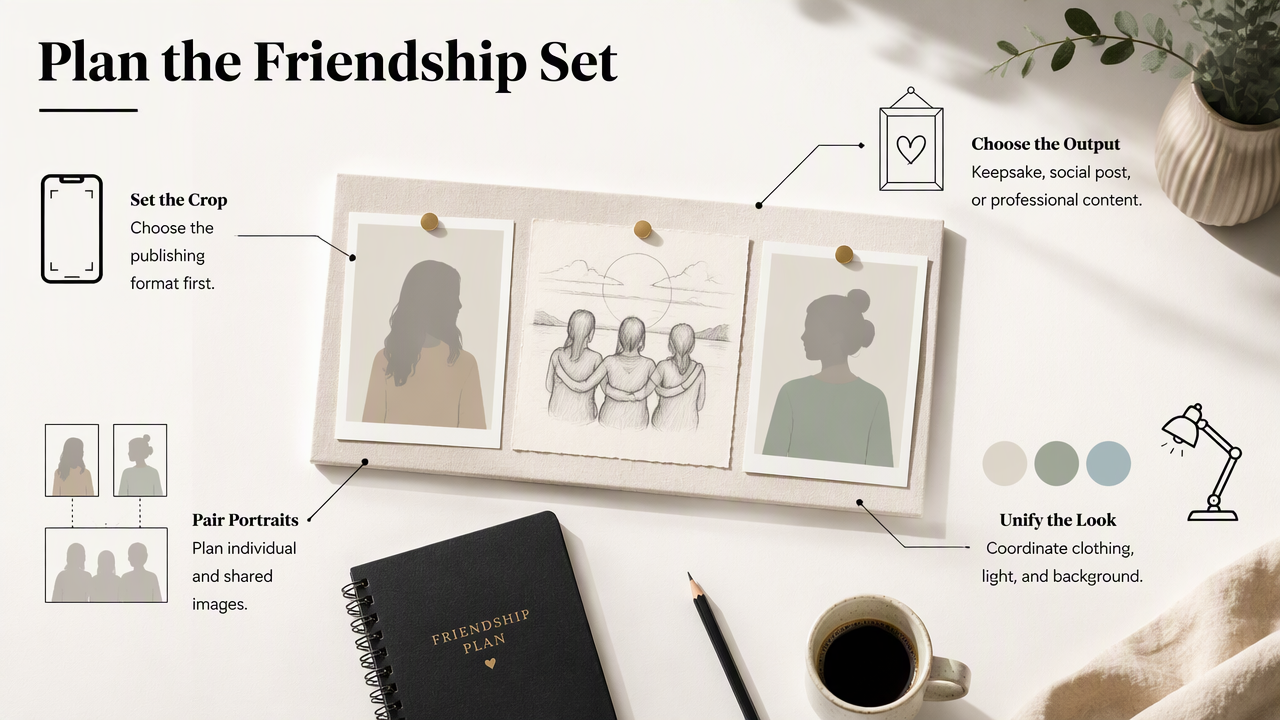
A consistent creative direction can link separate portraits through clothing colors, lighting, and background style. Friends running a business or producing content together can plan individual profile images alongside a shared, clearly labeled creative scene.
Match the composition to its destination
The publishing format should determine the crop before generation begins.
- Social feed: Keep faces central and leave room for cropping.
- Story or vertical post: Stack visual interest vertically rather than spreading people across the edges.
- Printed gift: Confirm export dimensions before ordering and inspect a preview at print size.
- Professional profile: Favor an individual portrait; reserve group imagery for posts or supporting brand content.
A practical brief names the people, activity, mood, format, and approval process in five short lines. Saving that brief makes later images easier to coordinate without demanding identical poses.
FAQ: Best-friend and group photo generation
Friendship-photo planning usually comes down to recognizable faces, group size, prompt clarity, and honest presentation.
Can AI combine separate photos of friends?
Some reference-based tools support multiple uploaded images, but support varies by service and generation mode. Separate photos should show each person clearly, with compatible angles and lighting where possible. Label each reference, specify the intended arrangement, and check that the result hasn't merged or exchanged facial features.
What should a best-friend photo prompt include?
A useful prompt includes the exact number of people, their positions, a shared activity, lighting, clothing, and the desired style. For real friends, add reference instructions only if supported. Simple wording makes the output easier to evaluate because each requested detail has a clear role in the scene.
Are larger friendship groups harder to generate?
Larger groups introduce more faces, positions, and interactions to review. A simple lineup or seated arrangement keeps the brief clearer than overlapping hugs or crowded action. Generate the basic composition first, check every person separately, and add decorative details only after the group arrangement meets the intended brief.
Should AI friendship photos appear on dating profiles?
Real, recent photographs are the better default for dating profiles because they help represent current appearance and actual experiences. An AI friendship image can serve as clearly labeled creative content, but it shouldn't imply an invented social event happened. Everyone depicted should approve both the image and its intended use.
Conclusion
Turn ai friendship photo generator ideas into a usable brief by choosing one shared activity, gathering consented references, and deciding the final crop. Start with a simple two-person scene, then review it together before publishing. For coordinated personal-brand imagery, visit looktara.com with that creative brief ready.
Generated by EarlySEO.com